 Stack
StackThe 12-month total: how to turn a pricing page into a bill
A pricing page shows a rate. A bill shows a total. The distance between them is headcount, billing period, add-ons and the tier you actually need, and every comparison on this site closes that distance the same way: one number for twelve months, at 1, 5, 20 and 50 people. This note explains the arithmetic so a reader can check it, disagree with it, or run it on a tool the site has not covered yet. The worked figures come from the Slack, Notion and Trello pricing pages, read October 7, 2026, and they will drift; the method does not.
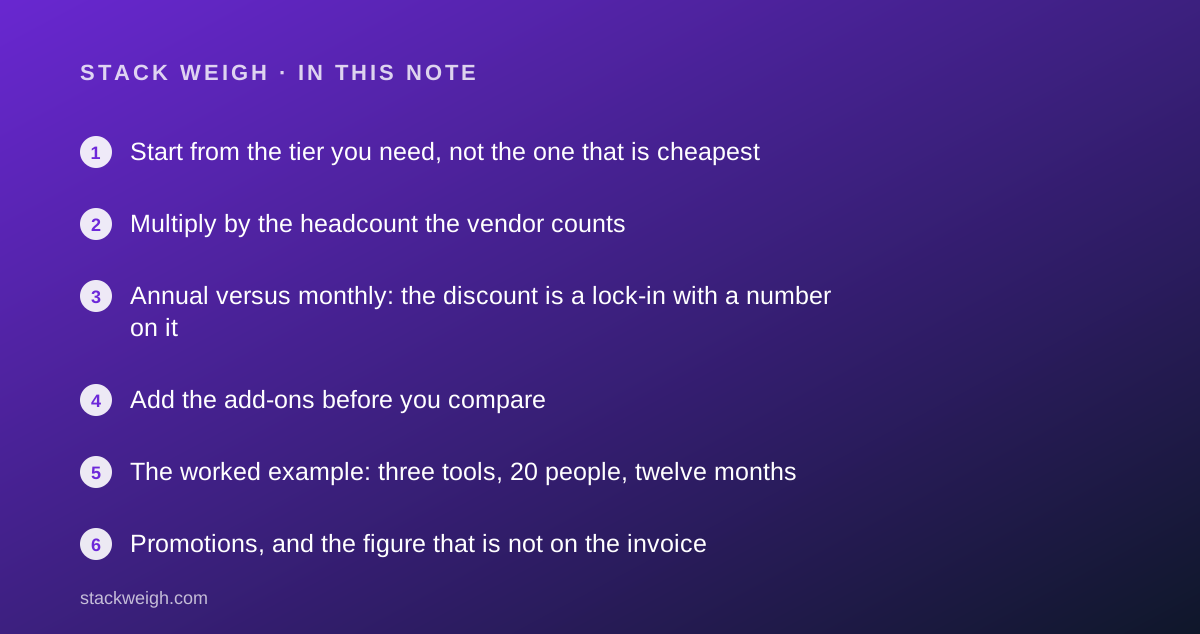
Start from the tier you need, not the one that is cheapest
The first error in most back-of-envelope estimates is pricing the lowest paid tier. The lowest tier is the one the vendor expects you to outgrow, and the feature that forces the upgrade is rarely on the headline card. Trello's pricing page, as of October 2026, lists Standard at $5 per user per month billed annually and Premium at $10, and the free plan carries 10 boards per Workspace and 250 Workspace command runs a month. If the team's automation needs exceed the Standard allowance, the bill is the Premium bill, and it is twice the Standard one. Slack lists Pro at $7.25 per user per month billed annually and Business+ at $15, more than double, and the features a 20-person company tends to need in year two sit on the upper tier. Before any arithmetic, write down the three features you cannot run without and find the lowest tier that holds all three. That is the tier to price, and the comparison pages on this site name it for each headcount.
Multiply by the headcount the vendor counts
Per-seat pricing bills the people the vendor counts, which is not always the people you employ. Notion's pricing page, as of October 2026, lists Plus at $10 per member per month billed monthly and Business at $20, with unlimited guests on paid plans and 10 external guests on Free; guests are not members, so a 5-person agency with 30 client collaborators pays for 5. Slack bills every active member of the workspace, including people who only read. The four headcounts on this site, 1, 5, 20 and 50, are chosen because the pricing structure typically changes between them: solo users hit free-tier caps, five-person teams hit seat minimums, 20-person teams hit the tier where admin features live, and 50-person teams are where contact-sales pricing starts to appear. Model the headcount the vendor will bill, including the contractor who needs a login and the shared mailbox that counts as a seat, and model it at month twelve rather than month one.
Annual versus monthly: the discount is a lock-in with a number on it
Nearly every vendor offers a lower rate for paying a year in advance, and the size of the gap varies more than buyers expect. Slack's gap, per its pricing page as of October 2026, is $8.75 monthly against $7.25 annual on Pro, about 17 percent, and $18 against $15 on Business+. Trello's is $6 against $5 on Standard and $12.50 against $10 on Premium, between 17 and 20 percent. Notion's page states a saving of up to 20 percent with yearly billing without printing the annual figure beside the monthly one, so the annual rate has to be read at checkout rather than from the page. This site shows both totals, because the discount is only a discount if headcount holds for twelve months. A team that will shrink or switch inside the year is often better off paying the higher monthly rate and keeping the exit open, and the comparison pages say when that is the case.
Add the add-ons before you compare
Add-ons are where the 12-month total departs from the per-seat rate. Notion's pricing page, as of October 2026, lists custom domains and branding at $8 per month per domain paid annually or $10 monthly, and custom agents as free to try, then $10 per 1,000 monthly Notion credits, with a workers feature in beta also consuming credits at a rate the page does not list. None of those appear in the per-member rate. Slack's free plan holds 90 days of message history and 10 app integrations, so the first paid tier is partly an add-on purchase in disguise: you are buying history and connections, not just seats. A fair comparison lists every add-on the team would switch on in month one and prices it at the published rate; when the rate is unlisted, as with Notion's workers, the comparison says so rather than guessing.
- Add-ons with a published price: add them at that price, times twelve.
- Add-ons priced in credits: state the credit rate and leave the usage as a variable the reader fills in.
- Add-ons with no published price: list them as unpriced; never estimate.
The worked example: three tools, 20 people, twelve months
Using the pricing pages read October 7, 2026, and ignoring promotional offers, a 20-person team on Slack Pro pays 20 times $7.25 times 12, which is $1,740 for the year billed annually, or $2,100 at the $8.75 monthly rate. The same team on Trello Standard pays $1,200 annually or $1,440 monthly; on Premium, $2,400 or $3,000. Notion Plus at the $10 monthly rate is $2,400 a year, and up to 20 percent less on yearly billing, which the page states as a ceiling rather than a figure. Add one custom domain on Notion and the yearly figure rises by $96 at the annual rate. Each of those totals is a different number from the per-seat rate the page leads with, and the gap between the cheapest and the most expensive reading of the same tool, Trello at $1,200 against $3,000, is larger than the gap between the three tools at their lowest. That is the point of the exercise: the tier and the billing period move the bill more than the vendor does.
Promotions, and the figure that is not on the invoice
Slack's pricing page, as of October 2026, shows a 50 percent promotional rate for three months on monthly Pro and Business+ plans, $4.38 and $9 respectively, printed larger than the regular rate. ElevenLabs' pricing page, read the same day, showed a time-limited first-month discount on its Starter plan. A promotion lowers the first invoice and not the twelve-month total by much: three months at half price on Slack Pro saves about $262 on the 20-person monthly bill of $2,100 and nothing on the annual one. This site records the regular rate as the price and notes promotions separately, because a comparison built on a promotional figure stops being true the day the promotion ends. Read the smaller number on the card; that is the price.
Bottom line
A bill is the tier you need, times the headcount the vendor counts, times twelve, at the rate for the billing period you can commit to, plus every add-on you will switch on in month one. Run that arithmetic on both tools before comparing them, and run it at the headcount you will have in month twelve rather than month one. Every figure in this note is from a pricing page as of October 2026 and carries that date on the comparison pages of this site; when the vendor's number changes, the comparison does too.